

Starting a game
Choose a mode
From the game screen, choose a bot battle, random online search, or play with a friend. Online modes require a stable internet connection.
Place your fleet
Arrange the ships on your own grid before battle. Ships occupy grid cells, and their positions stay hidden from your opponent.
Take your shots
When it is your turn, select a cell on the opponent’s grid. The game marks a miss, a hit, or a fully destroyed ship.
Sink every ship
The first player to find and destroy the opponent’s entire fleet wins.
Playing with friends
Create a room
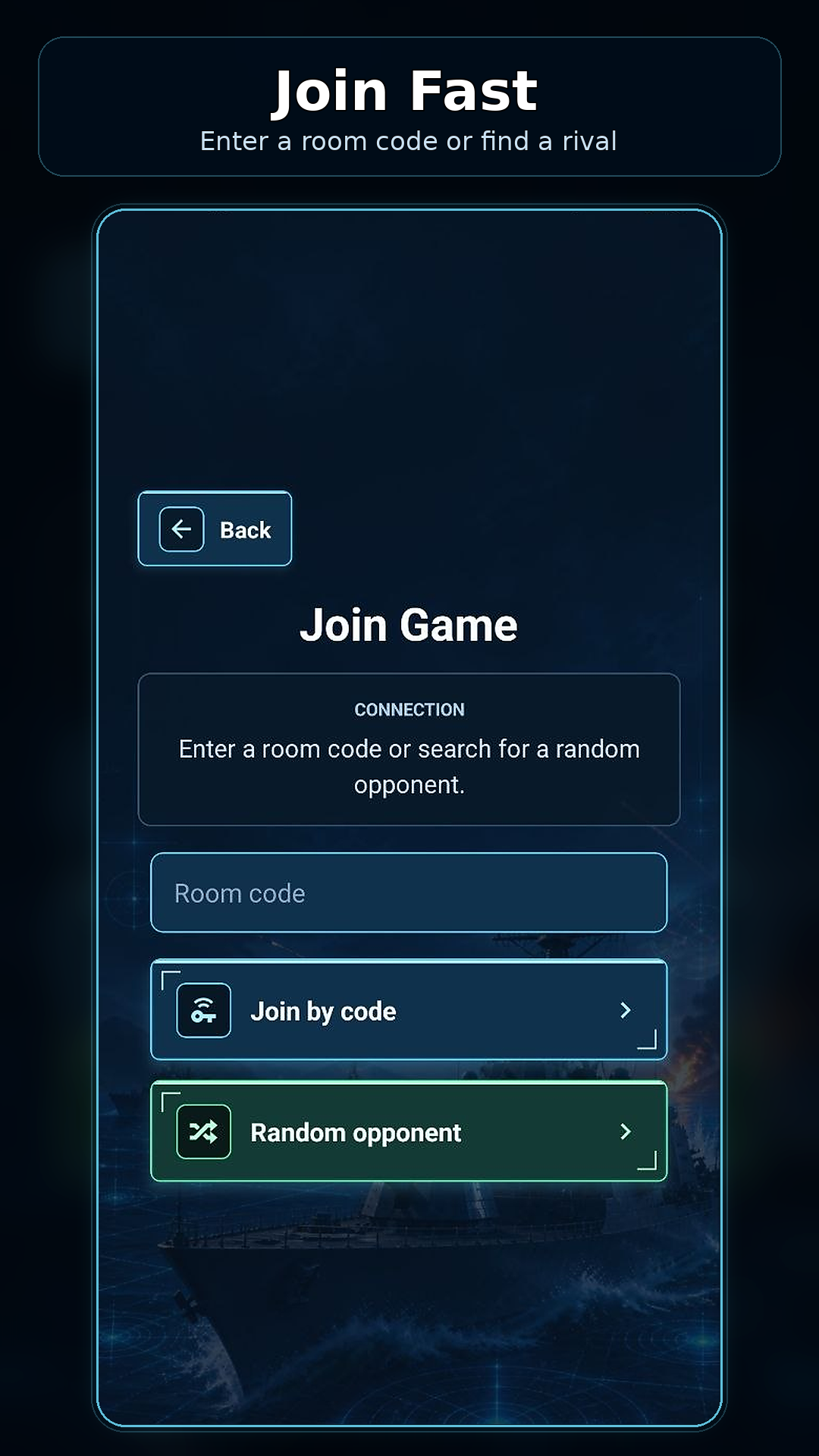
Choose the friend mode and create a room. The game displays a room code—share it with the person you want to play. Do not post the code publicly if you want a private match.
Join a room
Your friend chooses the join option and enters the code. The game also supports friends and invitations when they are available in your profile.
If the connection fails
- check the internet connection on both devices;
- make sure the code has no extra spaces or typing mistakes;
- create a new room if the old code no longer works;
- restart the game and try again;
- if the issue continues, send support your Player ID, game version, device model, and a description of when it failed.
Bots and online play
A bot is a computer opponent for a match without another-player search. Random online search waits for an available real opponent. A room connects players with a code, while the friends system supports invitations.
Matchmaking speed depends on the number of available players and the network connection; no specific wait time is guaranteed.
Progression
Leaderboards and ranks
Open the leaderboard section to view the global table or positions among friends. RP and naval ranks represent rating progression.
Daily quests
Review active quests in the related game section. Complete the displayed condition and collect the reward shown by the game.
Cosmetic items
The shop and customization sections include owned or earned ship skins, board themes, shot effects, and profile decorations. The current game version shows the exact items and their unlock conditions.